
Social media has become a major part of our daily lives. From personal conversations to business promotions, everything now depends on platforms like Facebook, Instagram, X (Twitter), TikTok, and LinkedIn.
Unfortunately, this popularity also makes social media a prime target for hackers.
If you do not take proper precautions, your personal data, photos, messages, and even money can be at risk.
In this complete guide, you’ll learn how to secure social media accounts from hackers using simple, practical, and up-to-date security strategies.
Whether you are a beginner or an experienced user, this guide will help you protect your online identity effectively.
Why You Must Secure Social Media Accounts in 2026
Cybercrime is growing every year, and hackers are becoming smarter. In 2026, most hacks happen not because of advanced hacking tools, but due to weak passwords, fake links, and careless online behavior.
Hackers target social media accounts to steal personal data, scam your contacts, spread fake content, or demand ransom. Securing social media accounts is no longer optional—it is a necessity.
Common Ways Hackers Hack Social Media Accounts
Understanding how hackers operate is the first step toward protection.
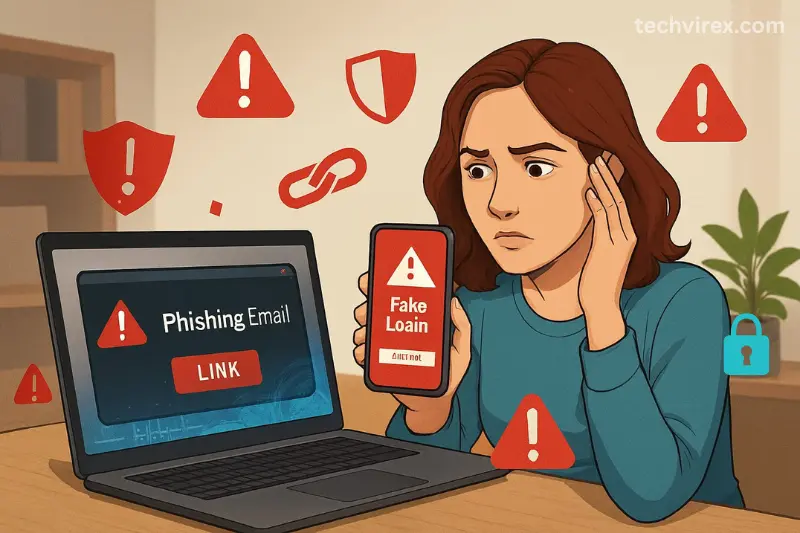
- Phishing: Hackers send fake emails or messages that look like official notifications. Once you click the link and enter your login details, your account is compromised.
- Weak or reused passwords: Using the same password on multiple platforms makes it easy for hackers to access all your accounts at once.
- Public Wi-Fi networks, malicious apps, fake giveaways, and third-party app access are also common hacking methods.
Knowing these risks helps you better secure social media accounts effectively.
Create Strong and Unique Passwords
A strong password is your first line of defense. Avoid simple passwords like names, dates of birth, or “123456”.
A secure password should include uppercase letters, lowercase letters, numbers, and special characters. Each social media account should have a unique password so that even if one account is hacked, others remain safe.
Using a password manager is highly recommended in 2026, as it helps you generate and store strong passwords securely. This step is crucial to secure social media accounts properly.
Enable Two-Factor Authentication (2FA)
Two-factor authentication adds an extra layer of security to your social media accounts. Even if someone gets your password, they still cannot log in without the second verification step.
Most social platforms now offer 2FA using authentication apps, SMS codes, or email confirmation. Always choose an authentication app instead of SMS for better security.
Enabling 2FA is one of the most effective ways to secure social media accounts from hackers in 2026.
Check and Update Privacy Settings Regularly
Many users ignore privacy settings, which makes their accounts easy targets. Review your privacy settings and limit who can see your posts, personal details, and contact information.
Avoid making your phone number, email address, or location public. The less information hackers have, the harder it is for them to target you.
Regularly updating privacy settings is a simple but powerful way to secure social media accounts.
Be Careful with Links, Messages, and Emails
Hackers often disguise malicious links as urgent messages, prize notifications, or account warnings. Never click on suspicious links, even if they appear to come from a friend.
If you receive an unusual message from a known contact, verify it before clicking. Social media platforms rarely ask for login details via email or direct messages.
Always double-check URLs and sender addresses to secure social media accounts safely.
Avoid Third-Party Apps and Permissions
Many users unknowingly give access to third-party apps that request permission to manage their social media accounts. These apps can become a security risk if they are poorly maintained or compromised.
Review connected apps in your account settings and remove any that you no longer use or do not trust. Only allow access to reputable and necessary apps.
Limiting app permissions is essential to secure social media accounts from potential breaches.
Secure Your Email Account First
Your email account is the key to all your social media accounts. If a hacker gains access to your email, they can reset passwords and take control of everything.
Use a strong password and enable two-factor authentication on your email account as well. Keep your recovery options updated and secure.
Protecting your email is the foundation to secure social media accounts effectively.
Keep Devices and Apps Updated
Outdated apps and operating systems often contain security vulnerabilities. Hackers exploit these weaknesses to gain access.
Always keep your smartphone, computer, and social media apps updated. Updates include security patches that protect against the latest threats.
Automatic updates are highly recommended to secure social media accounts continuously.
read more
Autonomous AI Agents 2026: How AI Is Replacing Human Jobs Faster Than Ever
Monitor Login Activity and Alerts
Most social platforms allow you to view login activity, including device type and location. Regularly check this information.
If you notice a login from an unfamiliar location or device, immediately change your password and log out of all sessions.
Enable security alerts so you are notified of suspicious activity in real time, which helps you secure social media accounts proactively.
What to Do If Your Social Media Account Is Hacked
If your account gets hacked, act quickly. Change your password immediately and log out of all devices. Report the issue to the platform’s support team and follow recovery steps.
Inform your friends and followers so they don’t fall for scams sent from your account. The faster you act, the higher the chances of recovery.
Following these steps helps you regain control and secure social media accounts after a breach.
Future of Social Media Security
In the coming years, social media security will rely more on AI-based threat detection, biometric logins, and behavior analysis. While platforms will improve security, user awareness will always remain the most important factor.
Staying informed and cautious is the best long-term strategy to secure social media accounts.
Final Thoughts
To secure social media accounts, you don’t need advanced technical knowledge. Simple habits like strong passwords, two-factor authentication, careful browsing, and regular checks can protect you from most threats.
Your social media presence is part of your digital identity—protect it wisely in 2026.
FAQs – Secure Social Media Accounts
What is the best way to secure social media accounts?
Using strong passwords and enabling two-factor authentication is the most effective method.
Can hackers hack accounts with 2FA enabled?
It is extremely difficult, but not impossible. 2FA greatly reduces the risk.
Should I use the same password on all platforms?
No. Always use unique passwords for each account.
Are password managers safe?
Yes, reputable password managers are secure and recommended.
How often should I change my social media passwords?
Every 3–6 months, or immediately if you notice suspicious activity.
Is public Wi-Fi dangerous for social media use?
Yes, avoid logging into accounts on public Wi-Fi without a VPN.
Can fake apps hack my social media accounts?
Yes, malicious apps can steal login data if granted permission.
How do I know if my account is hacked?
Unusual posts, messages, or login alerts are common signs.
Should businesses take extra steps to secure accounts?
Yes, business accounts should use advanced security and access control.
Is email security important for social media safety?
Absolutely. Your email controls password recovery for all accounts.