No, “Mopfell78” does not appear to be a real, published game on the App Store, Google Play, or Steam. It has no developer name, no listing, and no player community behind it. If you’re searching for how to cancel game mopfell78, the wave of articles using that phrase appears to be a manufactured SEO trend, not a response to an actual subscription problem.
What Sent Up the Red Flag
I went looking for Mopfell78 the way anyone would before writing a cancellation guide: App Store search, Google Play search, Steam search, then a wider web search for reviews, screenshots, or a Discord community. Nothing came back. No developer page, no app icon, no version history, no player complaints on Reddit or Trustpilot, which is usually the first place people vent about a game that’s overcharging them.
That absence matters. Real games with enough billing complaints to justify a “how to cancel” search trend leave a visible trail: App Store reviews mentioning the charge, a support subreddit, a developer Twitter account fielding refund requests. Mopfell78 has none of that.
The Articles Themselves Give It Away


I read through more than half a dozen “how to cancel Mopfell78” guides published across unrelated blogs, tech sites, and even a document upload on Scribd. They all follow the same shape:
- Generic settings instructions that would apply to literally any subscription: “go to Settings, tap your name, select Subscriptions.” Nothing specific to what Mopfell78 actually is or does.
- No screenshots of the actual game, its icon, or its billing screen, which every genuine cancellation guide includes because readers need to confirm they’re looking at the right thing.
- Invented authority, like one article that opens with “I have spent years working in digital content and consumer advocacy,” attached to advice so generic it could describe any of a thousand apps.
- A fabricated “official web portal for Mopfell78” mentioned in one guide, complete with login instructions. A game with no store listing has no reason to run its own separate login portal, and that detail is where this stops being sloppy SEO and starts looking like a setup for something worse.
Why This Pattern Exists
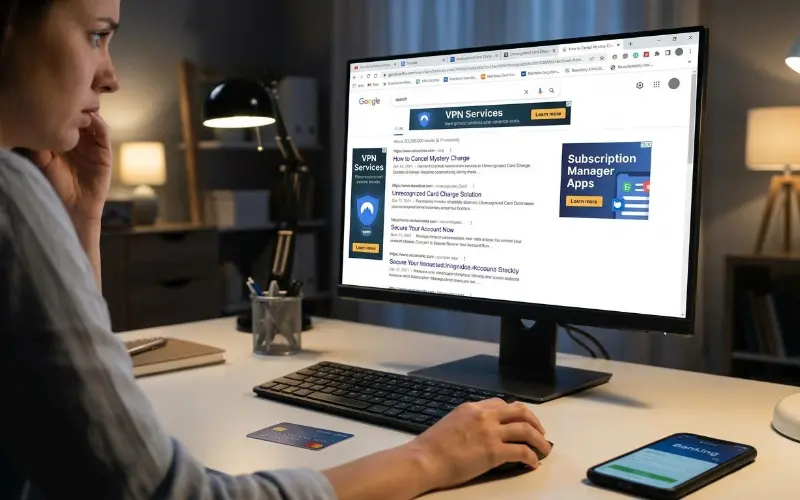
This is what’s known in SEO circles as a programmatic content cluster: a search phrase gets identified as having rising volume, often because real people are worried about an unrecognized charge on their card, and a batch of low-authority sites publish near-identical “solutions” within weeks of each other to capture that traffic.
The financial incentive is straightforward. Someone anxious about a mystery charge clicks fast and doesn’t read carefully. That traffic monetizes through ad impressions, affiliate links to VPNs or “subscription manager” apps, or worse, a fake login page designed to collect account credentials or card details under the guise of “cancelling your subscription.”
What an Unrecognized Charge Named “Mopfell78” Probably Actually Is
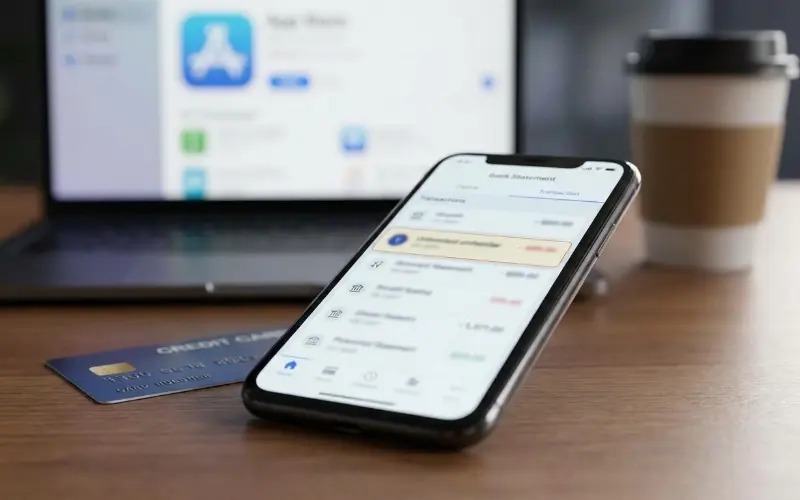
If you’re seeing an actual charge labeled something like this on your bank or card statement, here’s what’s more likely going on, based on how mobile billing actually works:
- App Store and Google Play don’t always bill under the app’s visible name. Charges often appear under the developer’s company name or a payment processor’s internal code, which can look like gibberish, similar to “Mopfell78.”
- Bundled or white-label game platforms sometimes list dozens of small games under one billing entity, so the charge label doesn’t match anything you remember installing.
- A trial that auto-converted to a paid tier under a slightly different internal product name than the app icon you tapped.
None of that means “Mopfell78” specifically exists. It means an unfamiliar-looking charge name is common enough on its own, without needing a matching real product.
What To Actually Do If You See This Charge
Skip any article promising Mopfell78-specific steps. Instead:
1. Check your App Store or Google Play purchase history directly, not through a web search result. iPhone: Settings > your name > Subscriptions. Android: Play Store > profile icon > Payments & subscriptions.
2. Match the charge to a listed subscription there. If nothing matches, the charge came through a different channel entirely, most likely PayPal or a direct card transaction.
3. If it’s not in your subscriptions list, check PayPal’s “Manage Automatic Payments” page, since app subscriptions bought outside the App Store often route through there.
4. If you still can’t find it, dispute the charge with your bank directly. A charge you cannot trace to any active subscription on any platform is a legitimate chargeback case, and you don’t need to identify “Mopfell78” to file one.
5. Never log into a “portal” linked from a random cancellation article. Legitimate subscription management always happens inside your App Store, Play Store, PayPal, or bank app, never through a third-party site’s login form.
Genuine Trend vs. Manufactured Trend
| Signal | Genuine App Billing Issue | Manufactured Search Trend |
|---|---|---|
| Store listing | Findable on App Store/Play Store | No listing anywhere |
| Player complaints | Present on Reddit, review sections | None found |
| Guide specificity | Screenshots, exact menu names | Generic steps, no visuals |
| “Official portal” | Matches the app’s real domain | Invented, unverifiable domain |
| Source consistency | One clear developer name | Story changes article to article |
FAQ
1. How do I completely cancel my subscription?
If you’re searching for how to cancel game mopfell78, start with the store you paid through (App Store, Google Play, or PayPal). Open your active subscriptions list and cancel the subscription there. That’s where the billing relationship is actually managed.
2. How do I cancel my game subscription?
The same process applies when checking how to cancel game mopfell78: go to your platform’s billing or subscription section rather than relying on instructions from a random website. Most games don’t have their own cancellation button because they don’t control the billing relationship.
3. How do I cancel a game?
If you mean stopping payment, use your app store’s subscription settings. For anyone trying to figure out how to cancel game mopfell78, checking the original payment platform is more reliable than using a third-party cancellation portal. Uninstalling the game alone does not stop billing.
4. How to cancel game payment on iPhone?
Open Settings, tap your name at the top, tap Subscriptions, select the relevant game, and tap Cancel Subscription. If you’re researching how to cancel game mopfell78 and it doesn’t appear in your Apple subscriptions, the payment isn’t being handled through Apple’s billing system.
5. What if I don’t recognize a charge on my statement at all?
Check your App Store and Google Play subscription lists first, followed by PayPal’s automatic payments page. If you cannot trace the charge to any active subscription, contact your bank directly rather than relying on a cancellation guide matching the statement label.
6. Can a fake app charge you through a real-looking name?
Yes. Billing labels can be set by the developer or payment processor, so an unfamiliar or unusual name doesn’t automatically prove that a particular app or game exists.
7. Is it safe to search for “cancel [app name]” guides in general?
Be selective. Trustworthy guides should refer to a publicly listed app and provide details that match the actual product. If a guide claims to explain how to cancel a product that cannot be found on any official store, treat it with caution.
8. Should I click a “Mopfell78 login portal” if I find one?
No. There is no verified app tied to that name, so there is no established reason for a standalone login portal to exist. Treat any such link as a potential phishing attempt and manage subscriptions only through the official billing platform.